
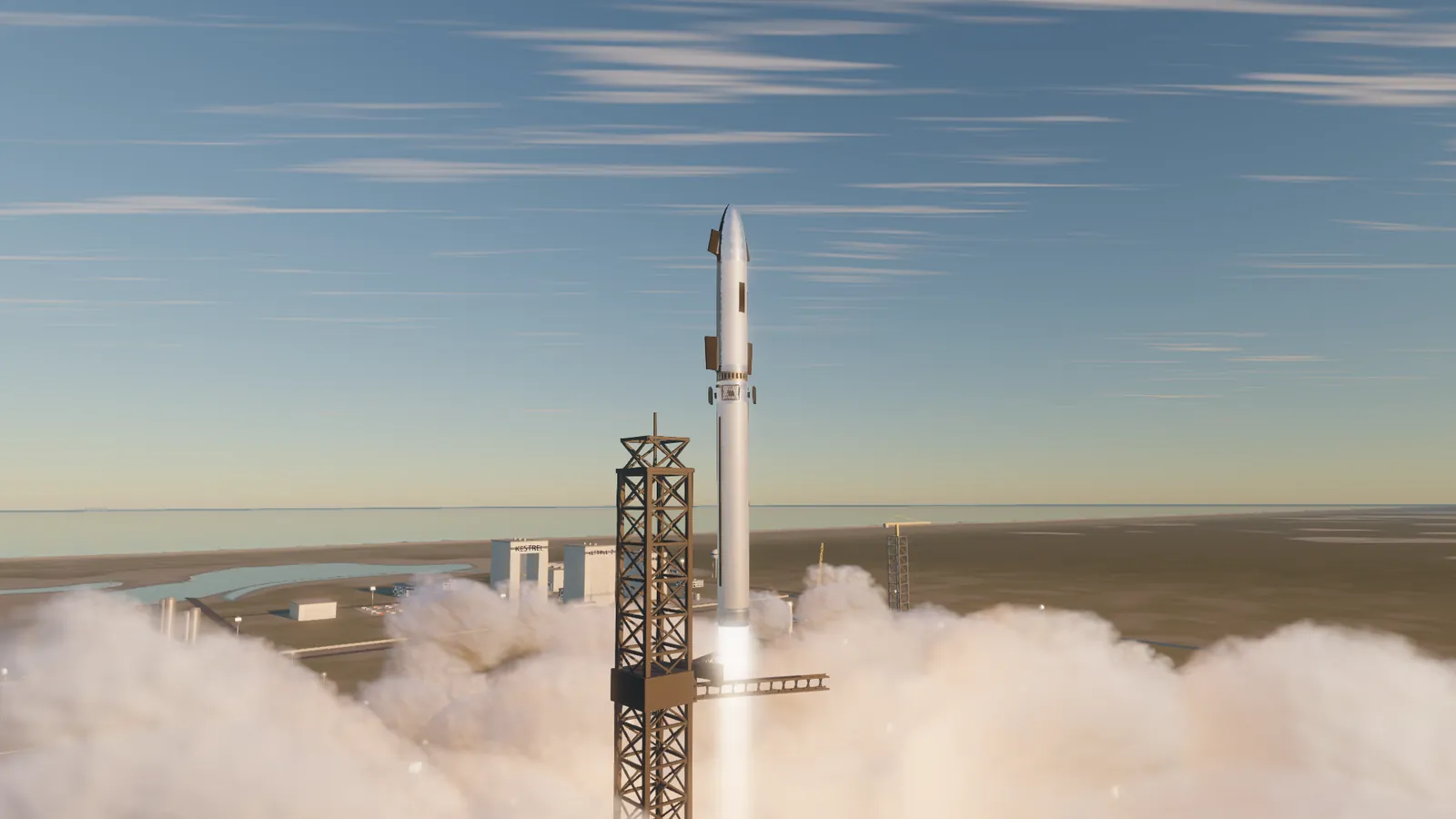
Hand-fly the Longbow to orbit
From the pad to a 200 km orbit on real physics: a rotating Earth, a real atmosphere and max-Q, hot staging, and a guidance fault you have to fly through.
Forward In development · Windows PC · Early Access planned
Fire. The wheel. Electricity. The stars.
Hand-fly a reusable rocket to orbit, catch the booster at the tower, and keep twelve people alive through their first winter on Mars.
Trailer coming soon
Stone tools and fire were humanity's first great leap. Electricity and computers were the second. The third is learning to live on other worlds.
You fly for Kestrel Launch, a small rocket company that has bet everything on Mars. Twelve colonists at Arcadia Base have to get through their first dust winter, and Earth and Mars only line up once every 26 months. Every launch, every caught booster and every tonne you deliver decides how well they eat. And somebody out there is taking a very close interest in Kestrel's cargo.
Grounded near-future flight with warm humour: real orbital mechanics, no aliens, and a robot cook who never explains the pie.
From the pad to a 200 km orbit on real physics: a rotating Earth, a real atmosphere and max-Q, hot staging, and a guidance fault you have to fly through.
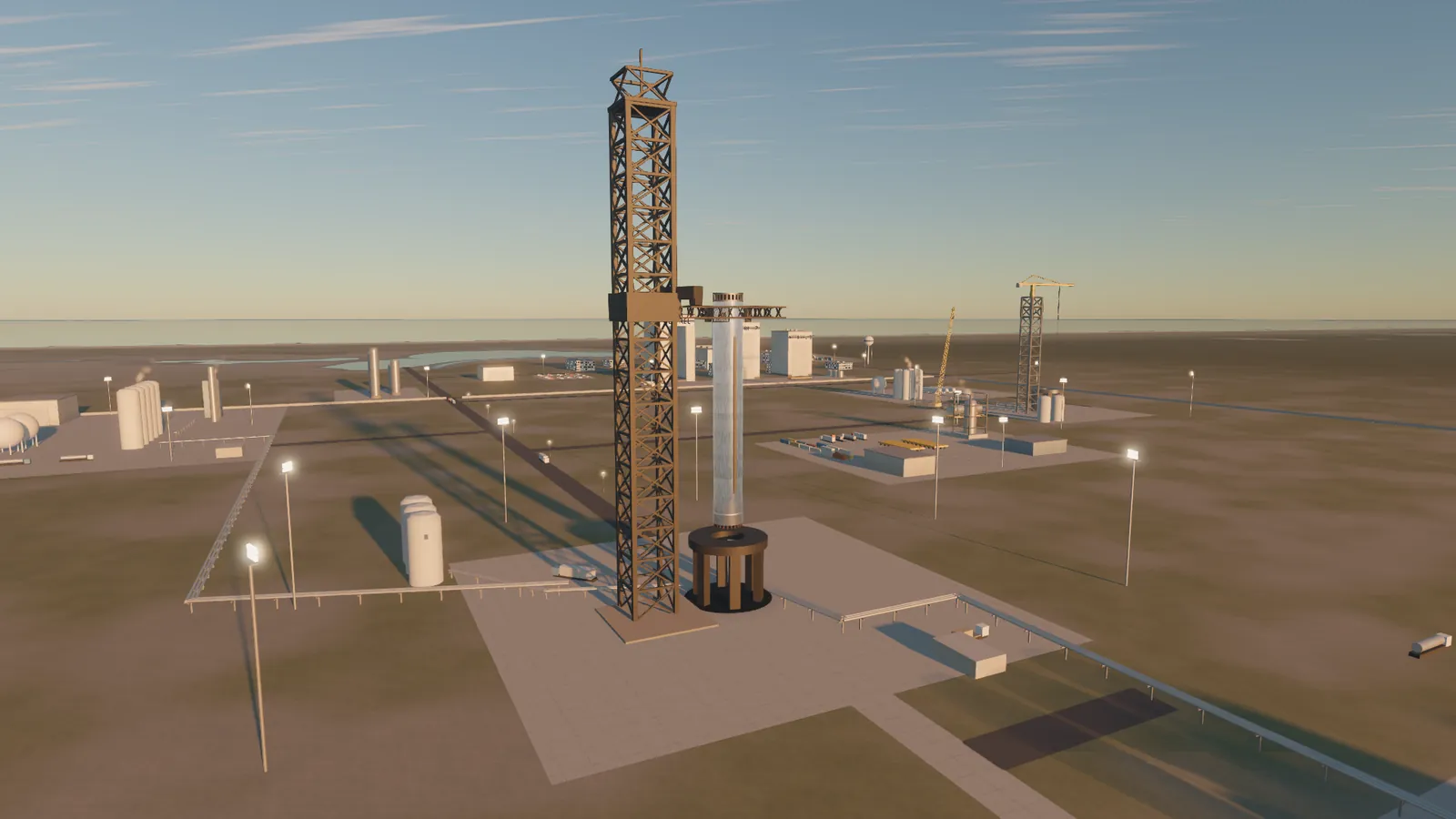
The booster flips, burns back and falls from 126 km. Fly the landing burn yourself and settle it into the arms; in chapter 4 you do it twice at once.
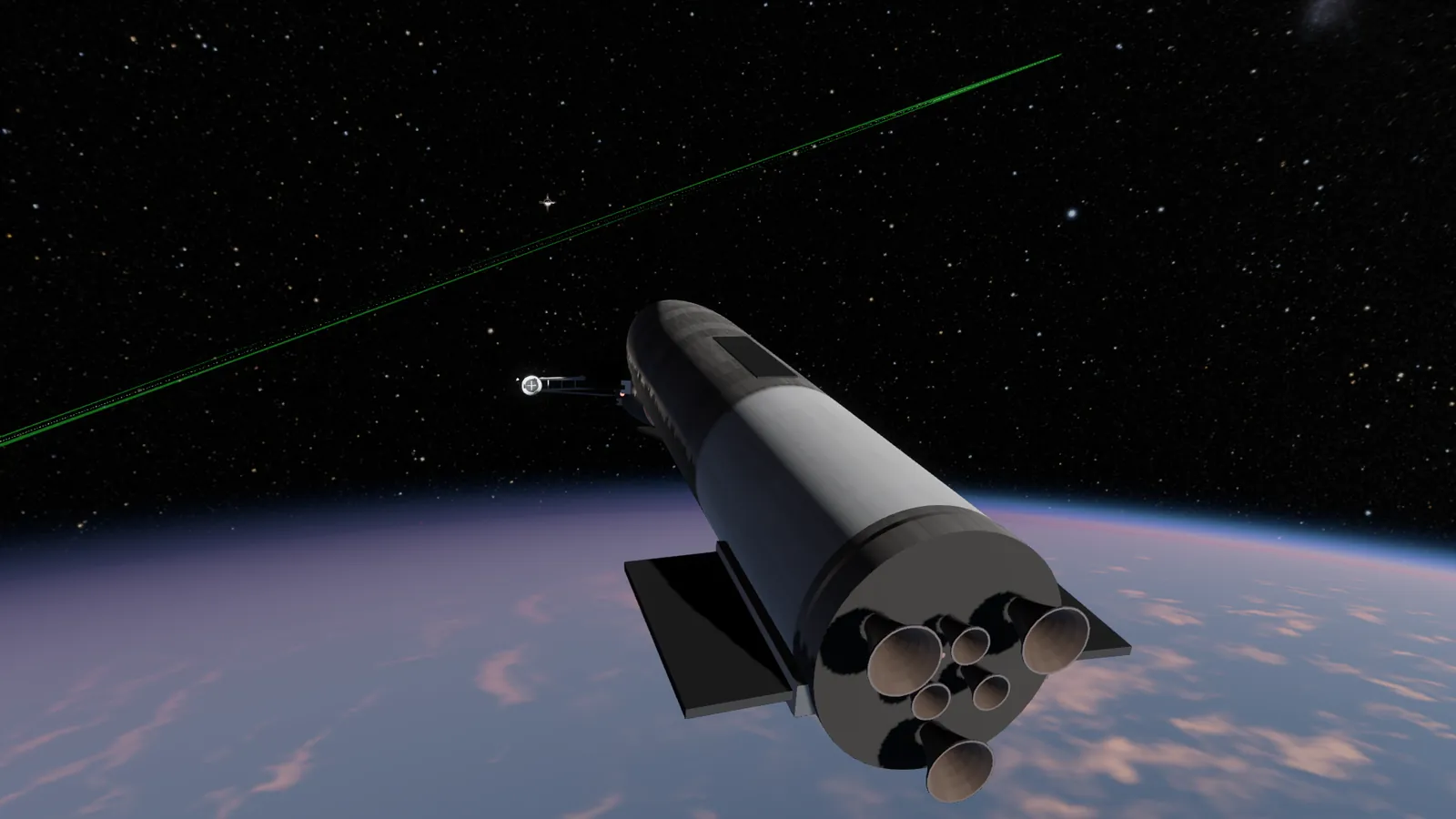
Rendezvous with Waypoint Station on thrusters, top off a tanker ship to ship, then chase down the drone trying to latch onto it.
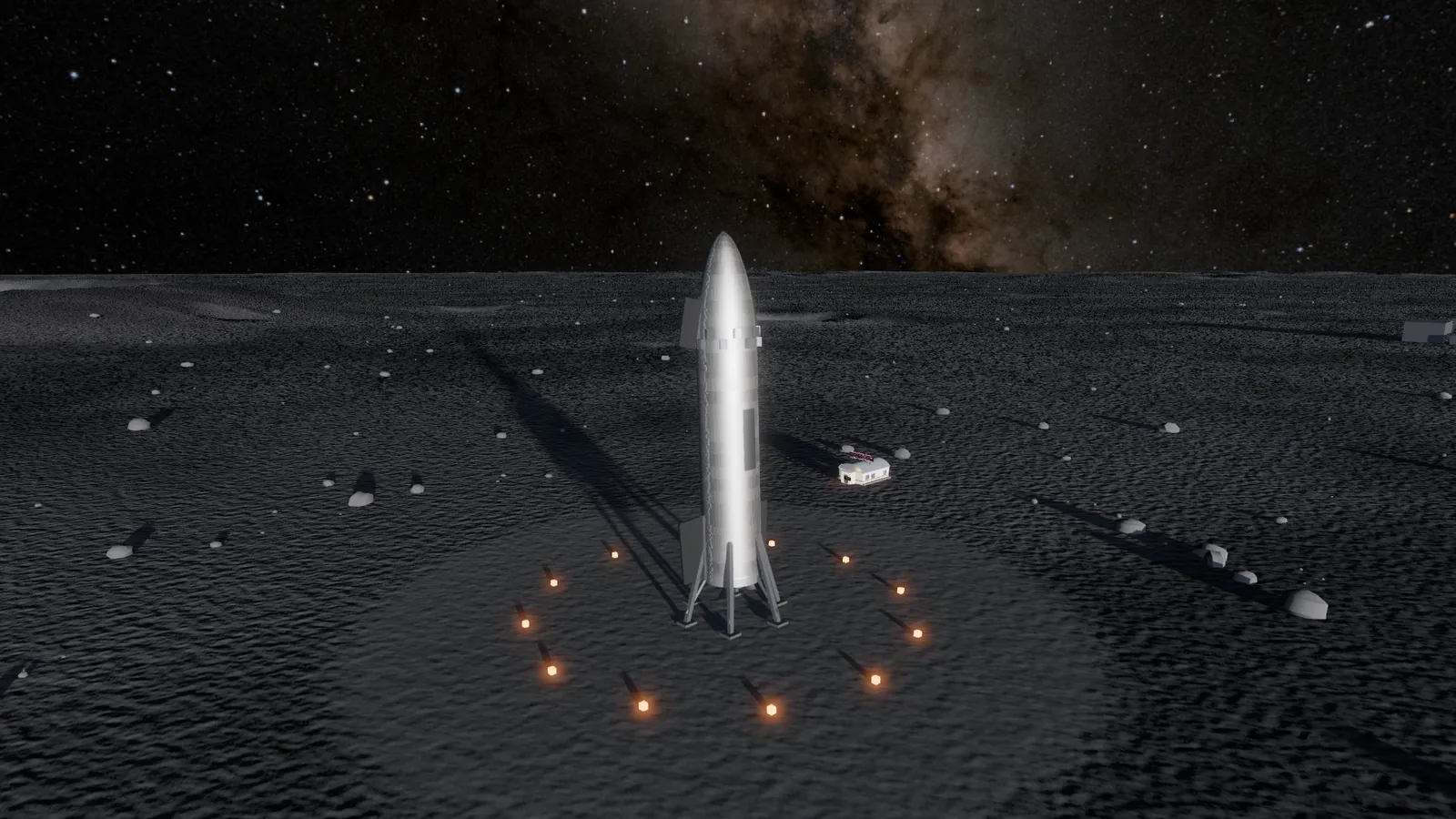
Real transfer burns with a manoeuvre planner, a powered descent to Shackleton's rim, and a fiery Mars entry down to Arcadia Base.
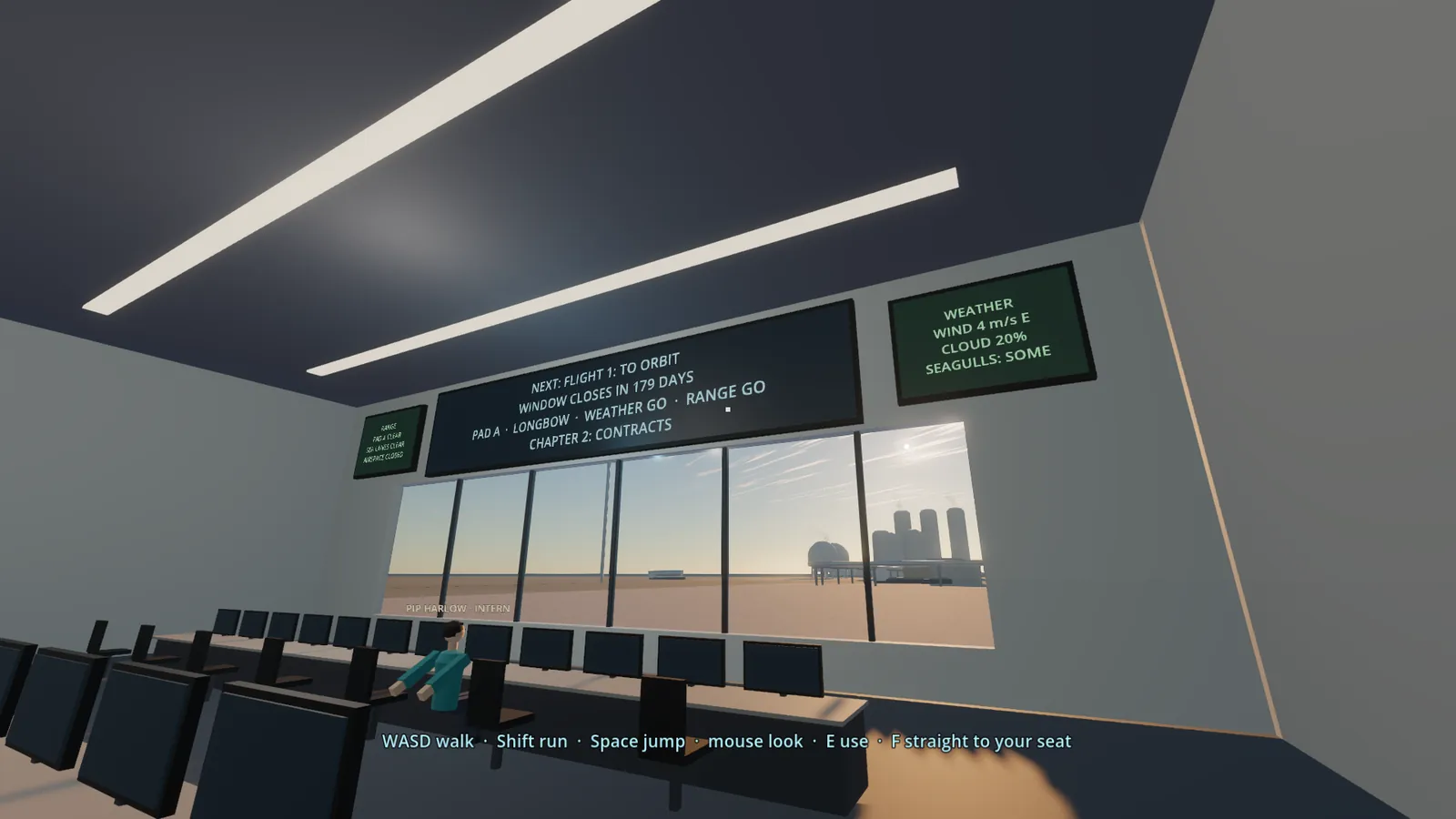
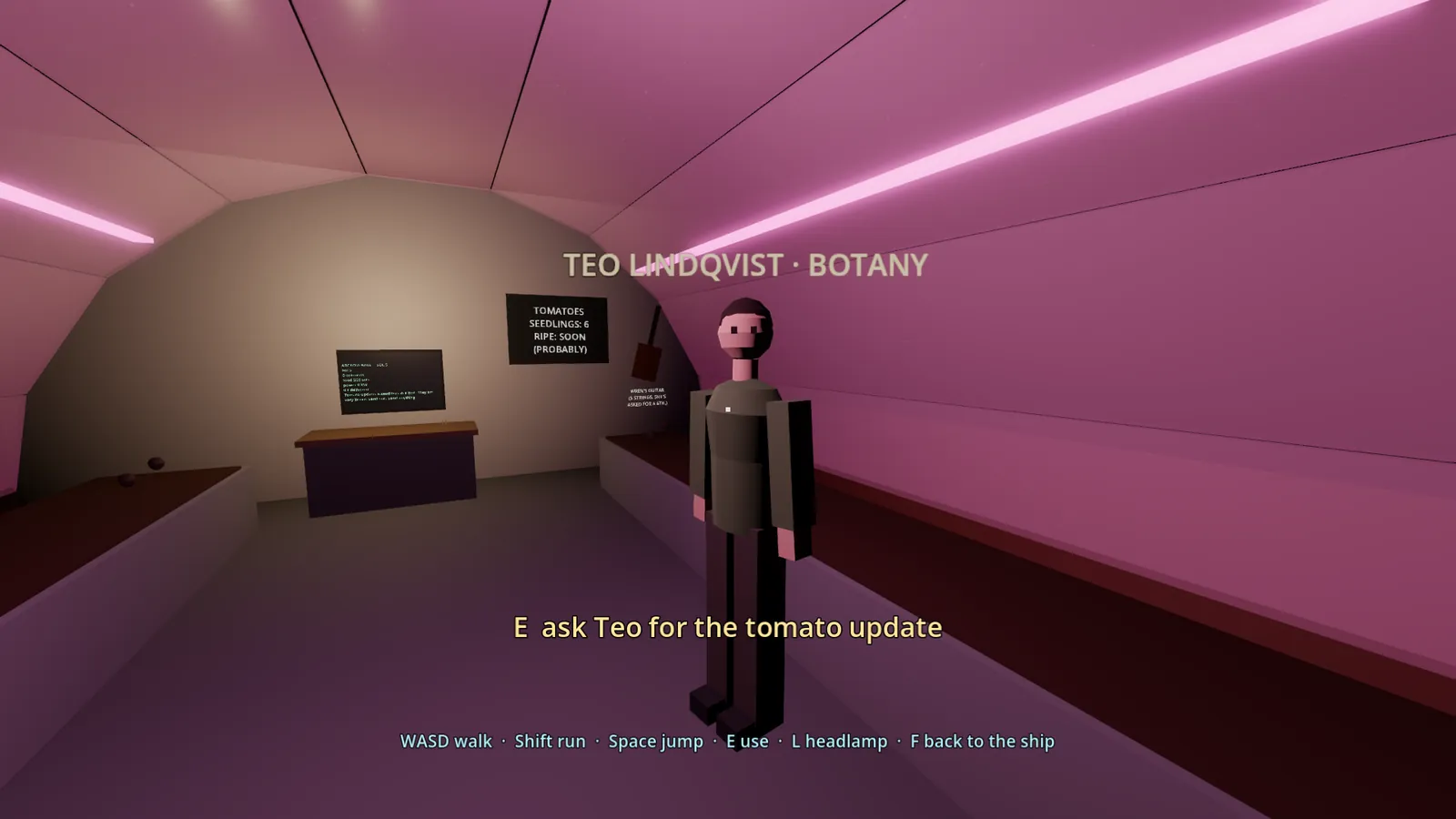
Step out of the cockpit: the spaceport, the crew deck, the Moon habitat and Teo's greenhouse on Mars, all in first person.
Every pilot's cargo builds one shared colony that lives on real time, sol by sol, with a journal you can read.
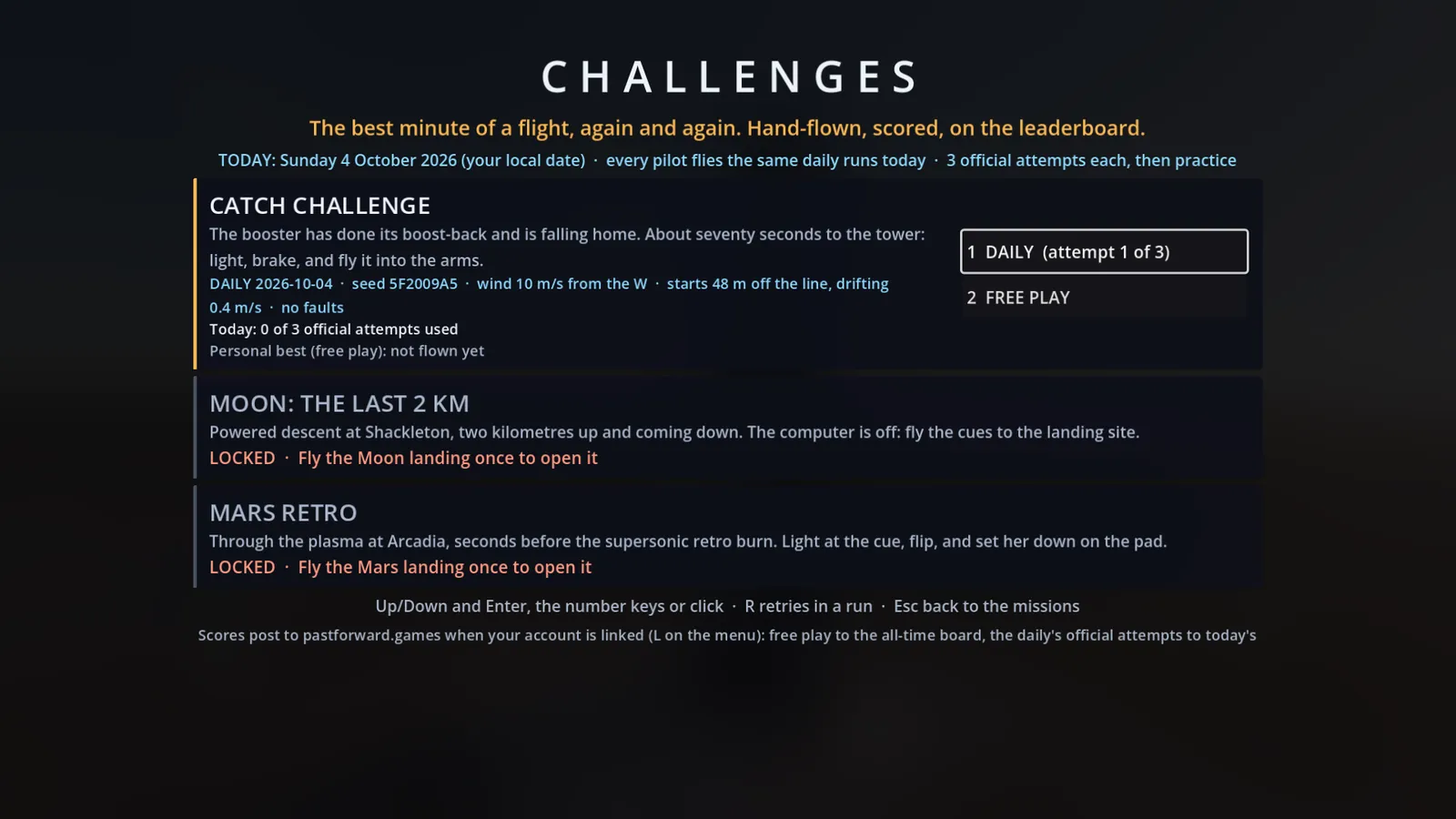
The same catch, Moon landing and Mars retro burn for everyone each day. Fly it, post it, beat your friends.
Lift off from the Kestrel spaceport
Catch the booster at the tower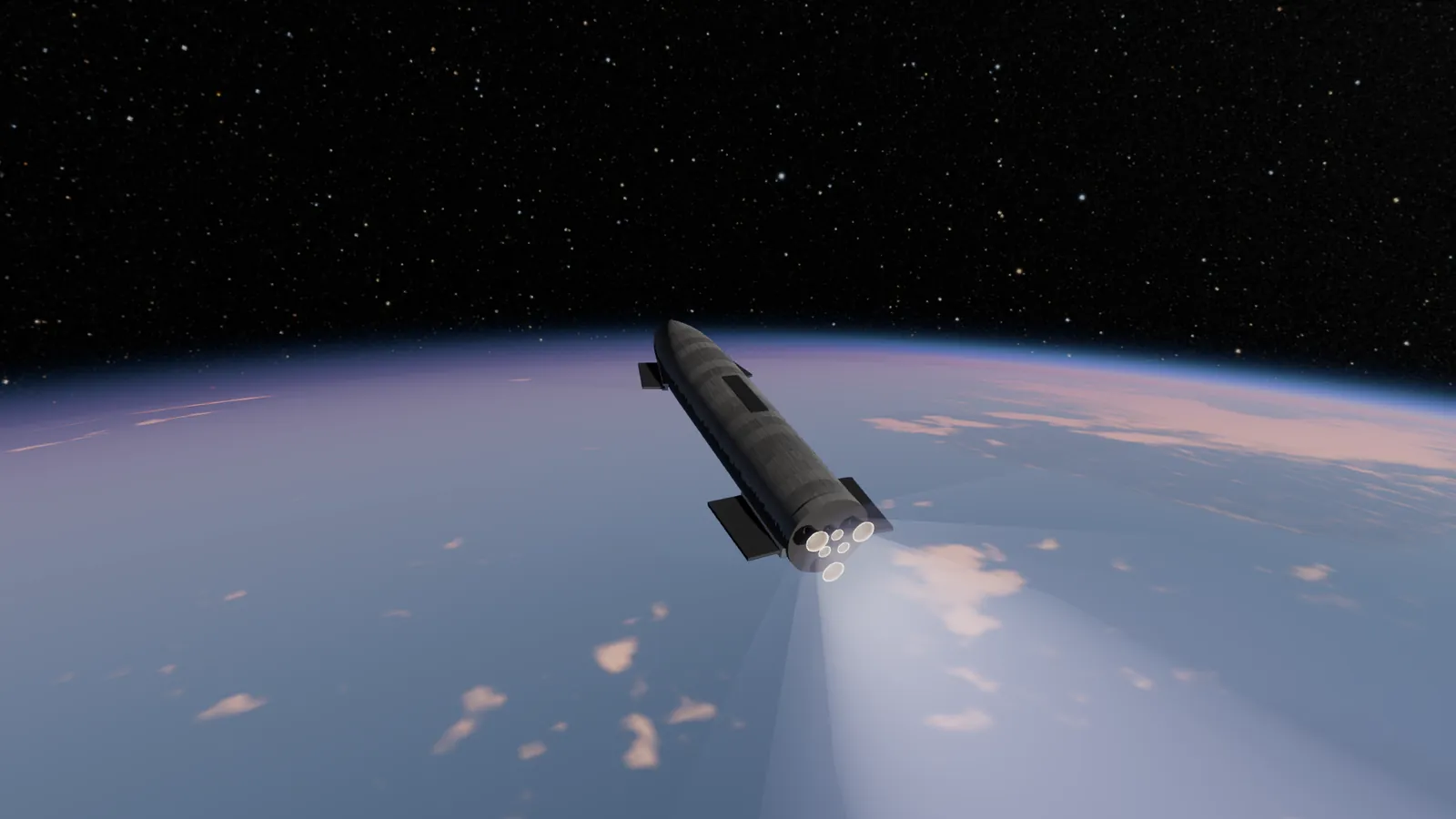 Climb to orbit above Earth
Fight off a rogue drone at the fuel depot
Land on the Moon
Climb to orbit above Earth
Fight off a rogue drone at the fuel depot
Land on the Moon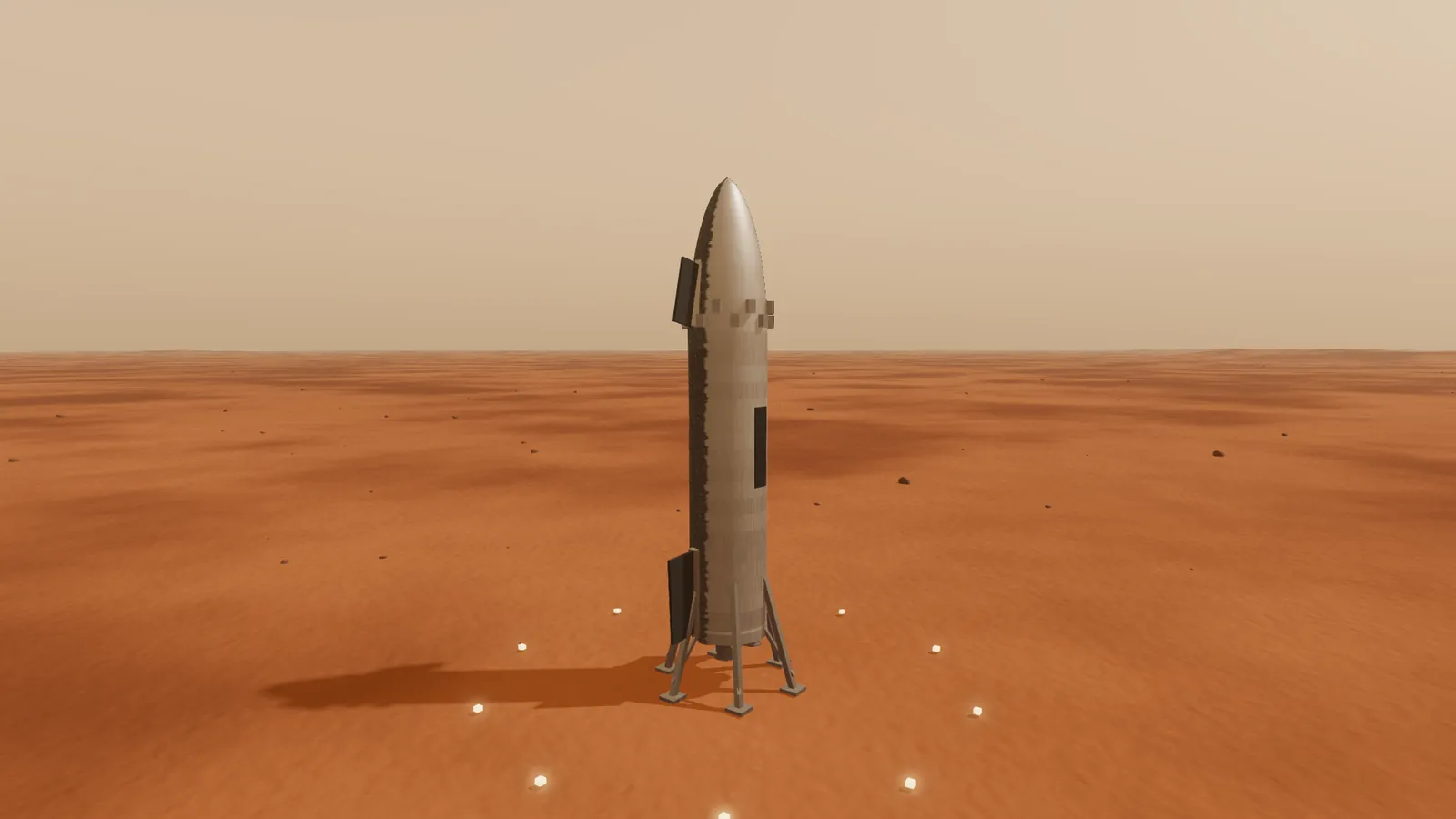 Set down on Mars
Walk the floor of mission control
Visit Teo's greenhouse on Mars
Take on the daily challenges
Set down on Mars
Walk the floor of mission control
Visit Teo's greenhouse on Mars
Take on the daily challenges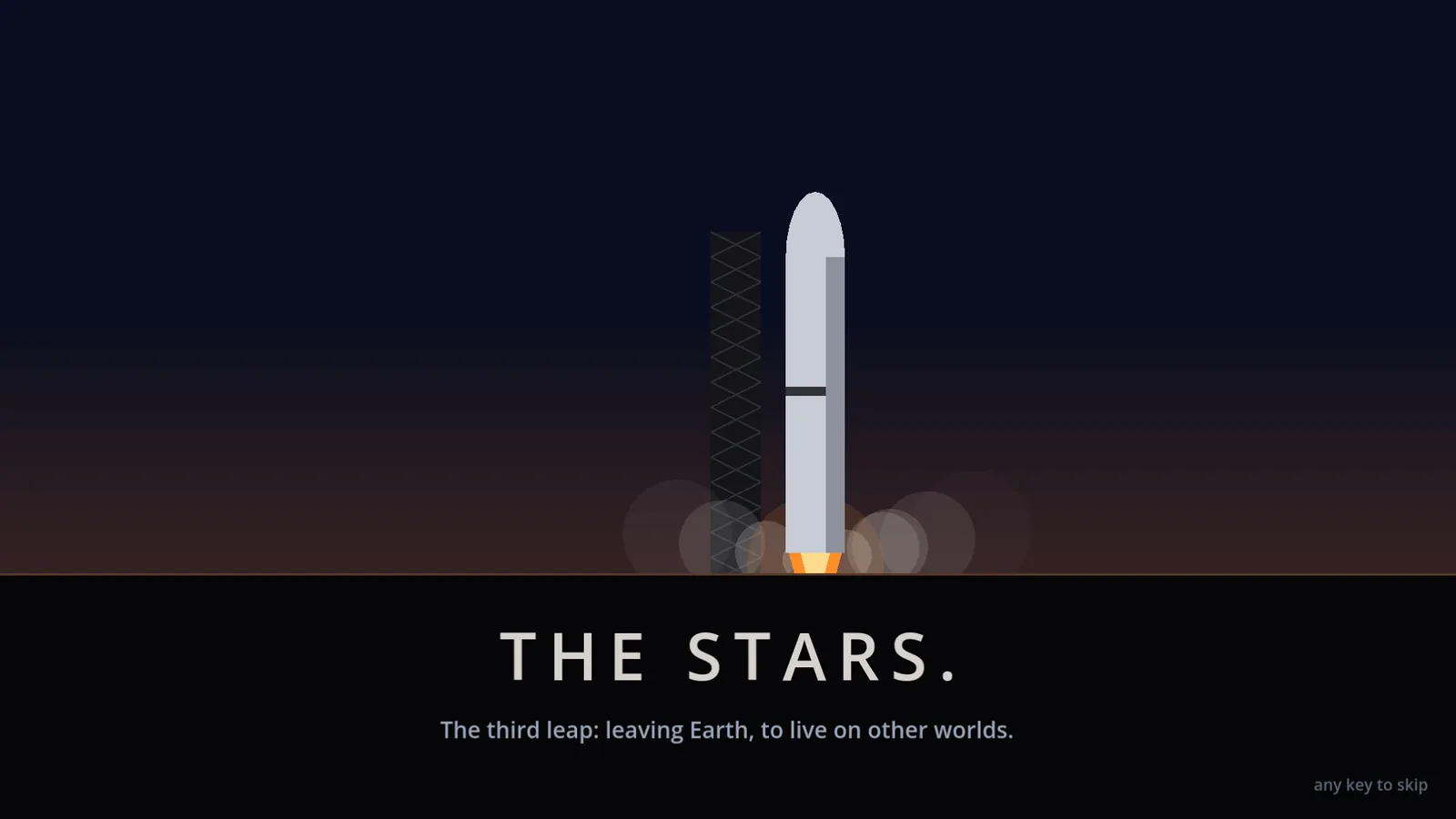 Humanity's third great leap
Screenshots are captured in the game at 1920×1080 on the Ultra preset (work in progress; the graphics upgrade is still to come). A downloadable press kit is on the way. For press and creator enquiries, contact us through Help & contact.
No dates yet: we'll share them when we're sure. Get notified and you'll hear first.
| Minimum | Recommended | Best | |
|---|---|---|---|
| Operating system | Windows 10 or 11, 64-bit | Windows 10 or 11, 64-bit | Windows 10 or 11, 64-bit |
| Processor | 64-bit quad-core | 64-bit quad-core | 64-bit 6-core or better |
| Memory (RAM) | 8 GB | 8 GB | 16 GB |
| Graphics | NVIDIA GeForce GT 1030 (2 GB) class | NVIDIA GTX 1660 / RTX 3050 (6 GB) class | NVIDIA RTX 4070 / RTX 5060 Ti (12 GB or more) class |
| Graphics API | Vulkan or DirectX 12 | Vulkan or DirectX 12 | Vulkan or DirectX 12 |
| Storage | 2 GB available space | 2 GB available space | 2 GB available space (SSD) |
| Plays at | Low preset, 1600×900, about 55–60 fps | High preset, 1920×1080, 60 fps | Ultra preset, native up to 4K: MSAA 4x + SMAA, 8K shadows, 16K planet maps |
Minimum is measured on a GeForce GT 1030 (Low ≈ 56–61 fps). Best is measured on an RTX 5060 Ti, where every level renders at High in under 1.2 ms of GPU time and Ultra in about 1.9 ms. Recommended is our estimate between the two; we will confirm it before release. The game's own logic takes about 0.3 ms a frame, so the graphics card is what matters. Memory: about 0.9–1.2 GB in use (up to 2.1 GB committed) at Ultra. Storage: the game's assets are about 0.55 GB once imported; 2 GB leaves room for the engine, saves and the shader cache.
On the first start the game picks a preset from your graphics card's video memory: under 3 GB starts on Low, under 8 GB on Medium, under 12 GB on High, and 12 GB or more on Ultra. While you fly it watches the frame rate: under 45 fps it steps down a level, and if the card is barely working it tries one level up, once. F2 changes it any time, and your choice is kept. Planet maps follow video memory, not the preset: 3 GB or more gets the 16K Moon and Mars maps, smaller cards the 8K ones (Earth is 16K on every card).
| Action | Keyboard & mouse | Gamepad | Flight stick |
|---|---|---|---|
| Pitch, yaw, roll | W / S, A / D, Q / E | Left stick (pitch, roll), right stick (yaw) | Stick |
| Throttle | Shift / Ctrl (Z full, X cut-off) | Triggers | Throttle slider |
| Start the countdown, stage | Space | A | — |
| Fly the booster home yourself | B | B | — |
| Attitude hold (prograde, retrograde, entry) | T | — | — |
| Docking thrusters | Numpad 8 2 4 6 9 3 (or I K J L H N) | D-pad | — |
| Cameras: cockpit, chase, tower, map | C / V, right mouse and wheel to look and zoom | Y / Back | — |
| Walk outside on the Moon or Mars | F, then WASD, Shift, Space | — | — |
| Time warp | , and . | — | — |
| Help, graphics, details | F1, F2, F3 | Start (help) | — |
Keyboard and mouse, an Xbox-style gamepad, or a desk flight stick with a throttle slider (dead zones and response curves are tuned per device). A computer can fly any part once to show you how (G).
On the Microsoft Store for Windows PC. The daily challenges stay free; Early Access details will be announced.Get notified when it's out.
Early Access pricing is to be announced. The daily challenges stay free.
Windows 10 and 11 PCs (64-bit). A tablet edition of the daily challenges is planned for later.
It runs at 55–60 fps on an entry-level GeForce GT 1030 on Low, and goes all the way to Ultra at 4K on a big card.See the system requirements.
No. The whole game plays without one. A free PastForward account only adds cloud saves, leaderboards and the community colony.
No. Kestrel Launch, the Longbow rocket and everyone in it are original and fictional. It's a game about the real physics of reusable rockets, not about any company.
No ads. No third-party trackers. We count visits with our own cookie-free, anonymous analytics: no cookies, nothing stored on your device, nothing shared.What we count and store.
English.
Yes: keyboard and mouse, an Xbox-style gamepad, or a desk flight stick with a throttle slider.See the controls.
The daily challenges (the catch, the Moon's last 2 km, the Mars retro burn) and the story's best runs, from linked PCs, under a name you choose. Boards are opt-in.