
Standing Orders
Captain a starship. Make the calls, send the away team, and live with who doesn't come back. Story missions in your browser, on phone, tablet or PC.
- Phone
- Tablet
- PC & Mac browser
- Works offline
Free. No download, no account, no ads.
How it plays
- Command the survey ship CSV Meridian through story tours: every mission is a choice, and nothing in Command is timed.
- Fight turn by turn: the enemy shows its next move, so you can brace, dodge or strike first. Then pick who beams down.
- Play the same Daily Tour as everyone, or a quick mode: Patrol, Tactical or Damage Control, in 2 to 10 minutes.
See it on your phone, tablet or PC
Phone
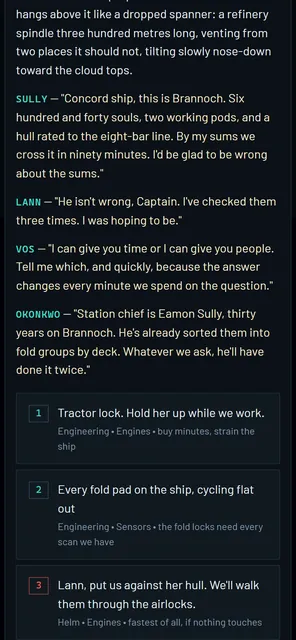 Nothing in Command is timed: read the room, then make the call
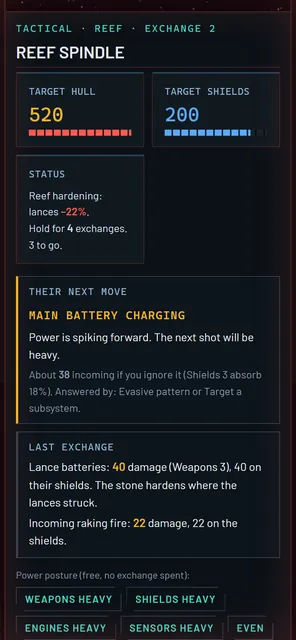 Every fight shows you their next move before you commit
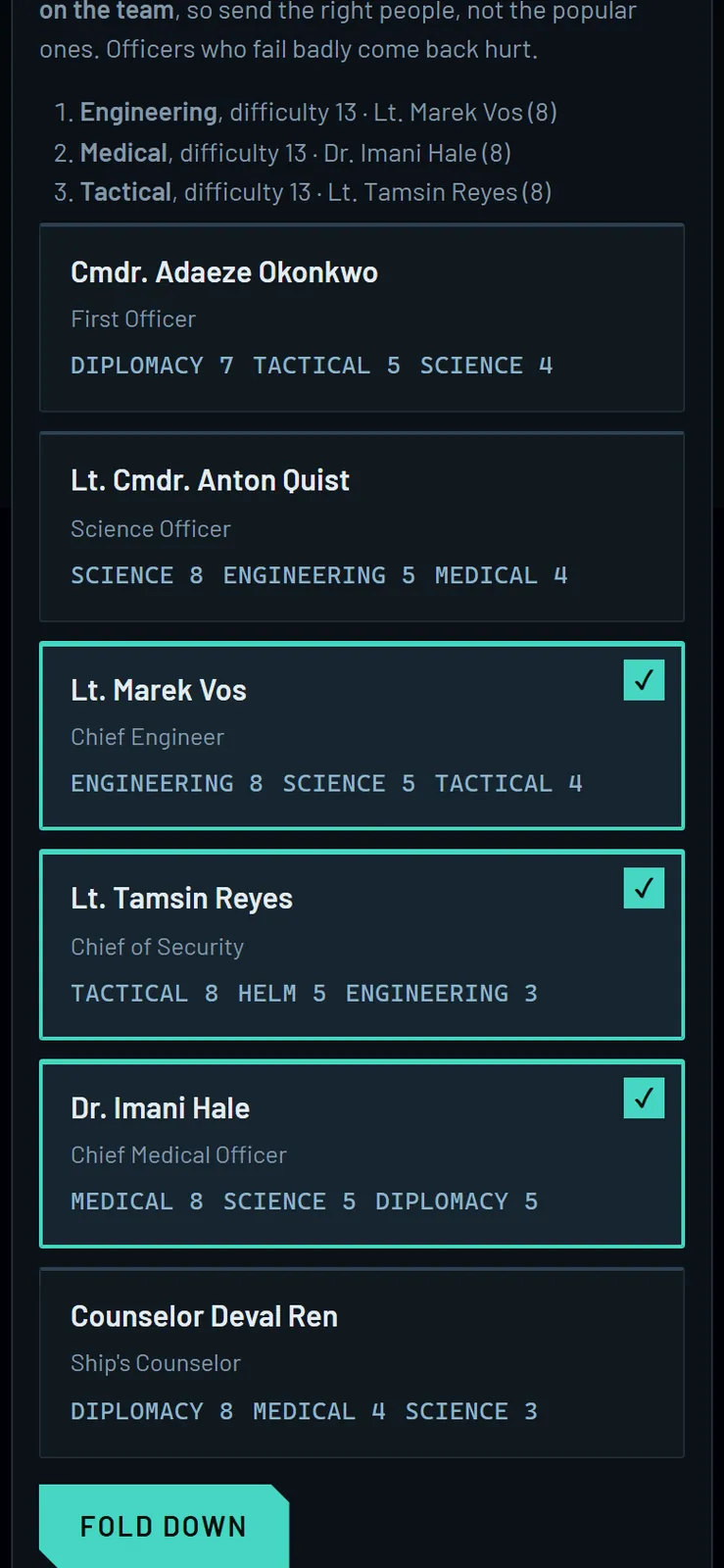
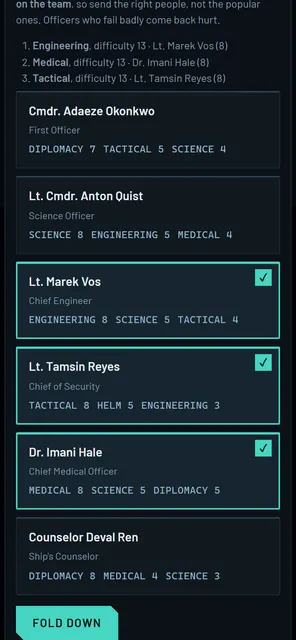 The roster is the puzzle: choose who folds down
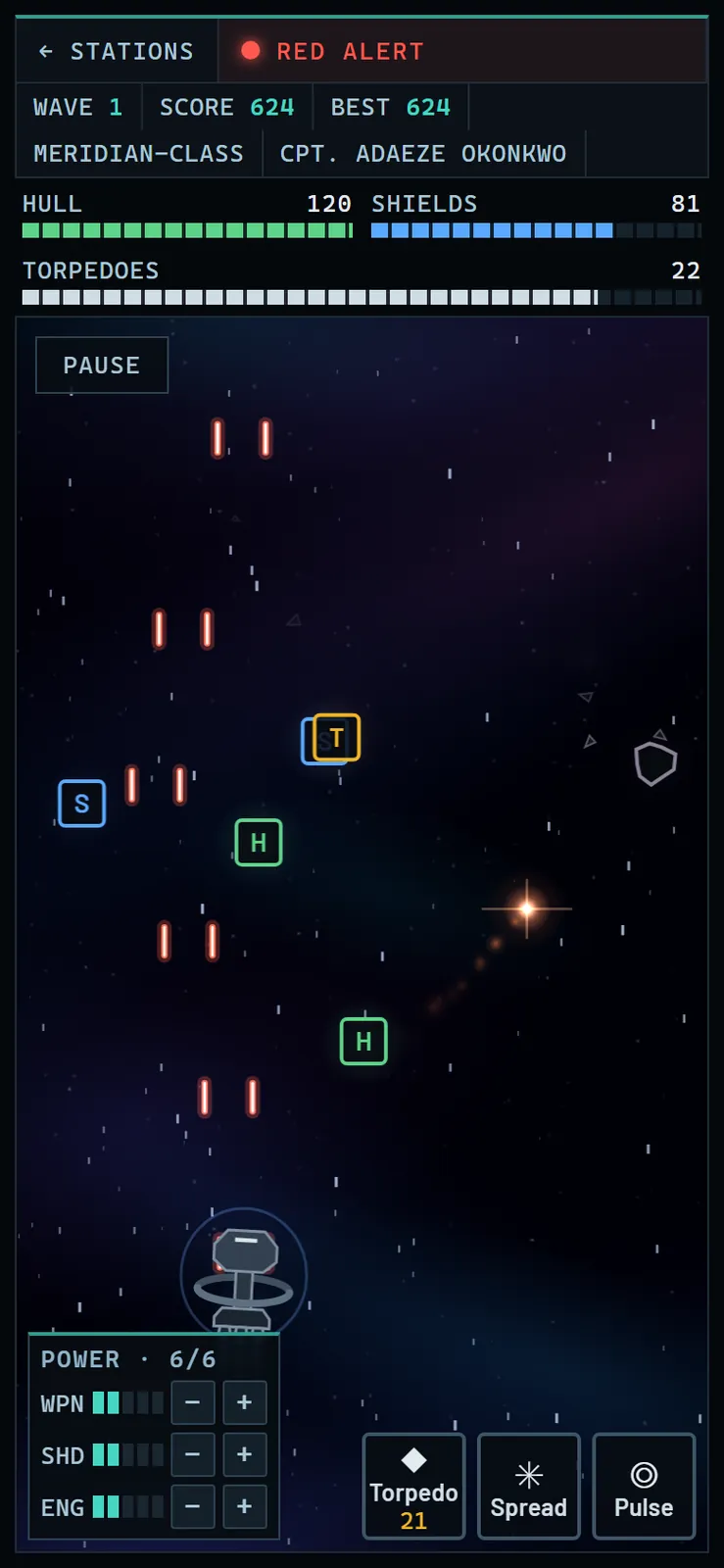
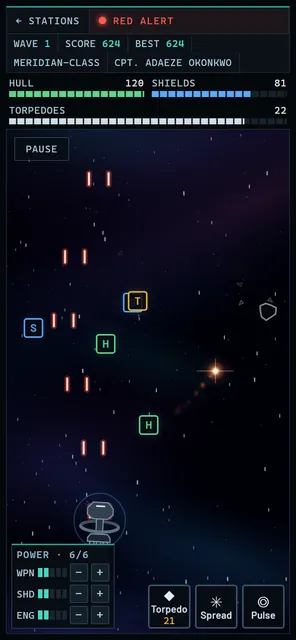 Patrol fits in a pocket: thumb to steer, buttons to fire
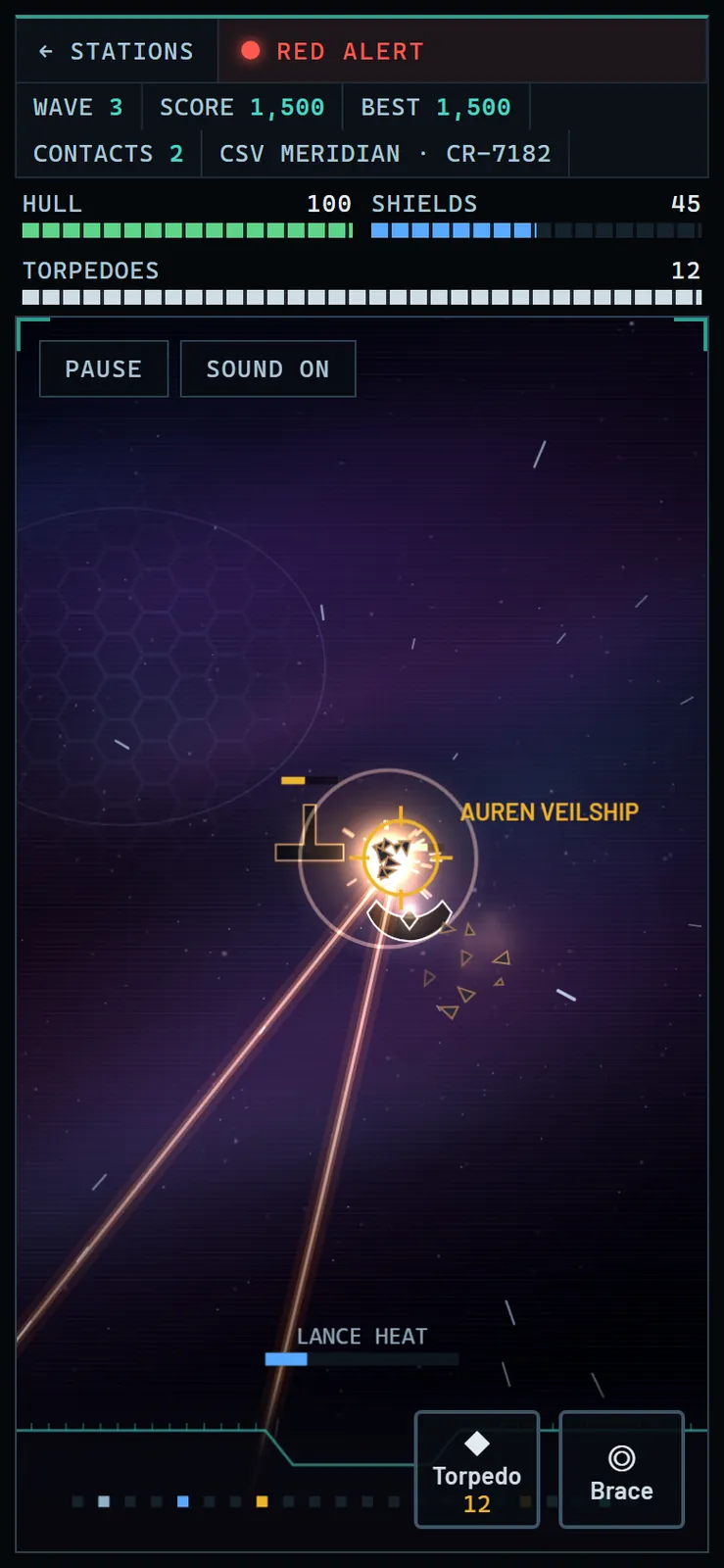
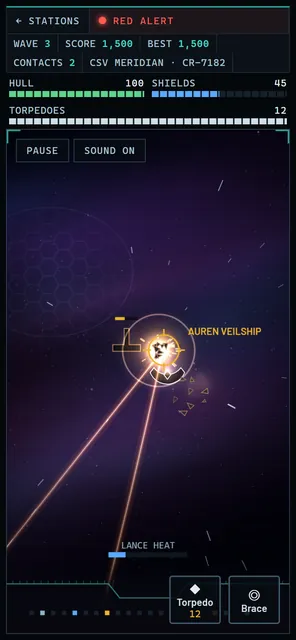 Tactical on a phone: track the contact and hold the trigger
Tablet
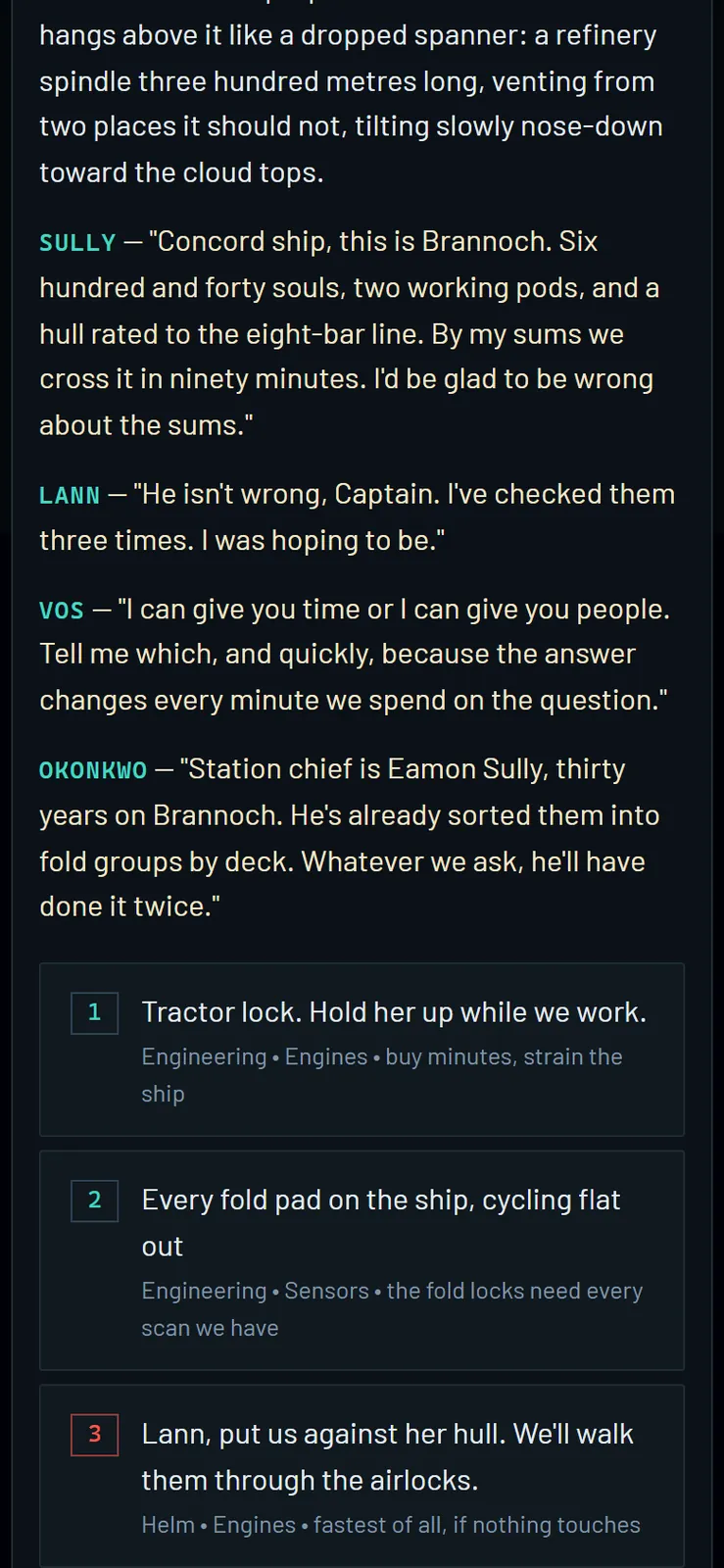
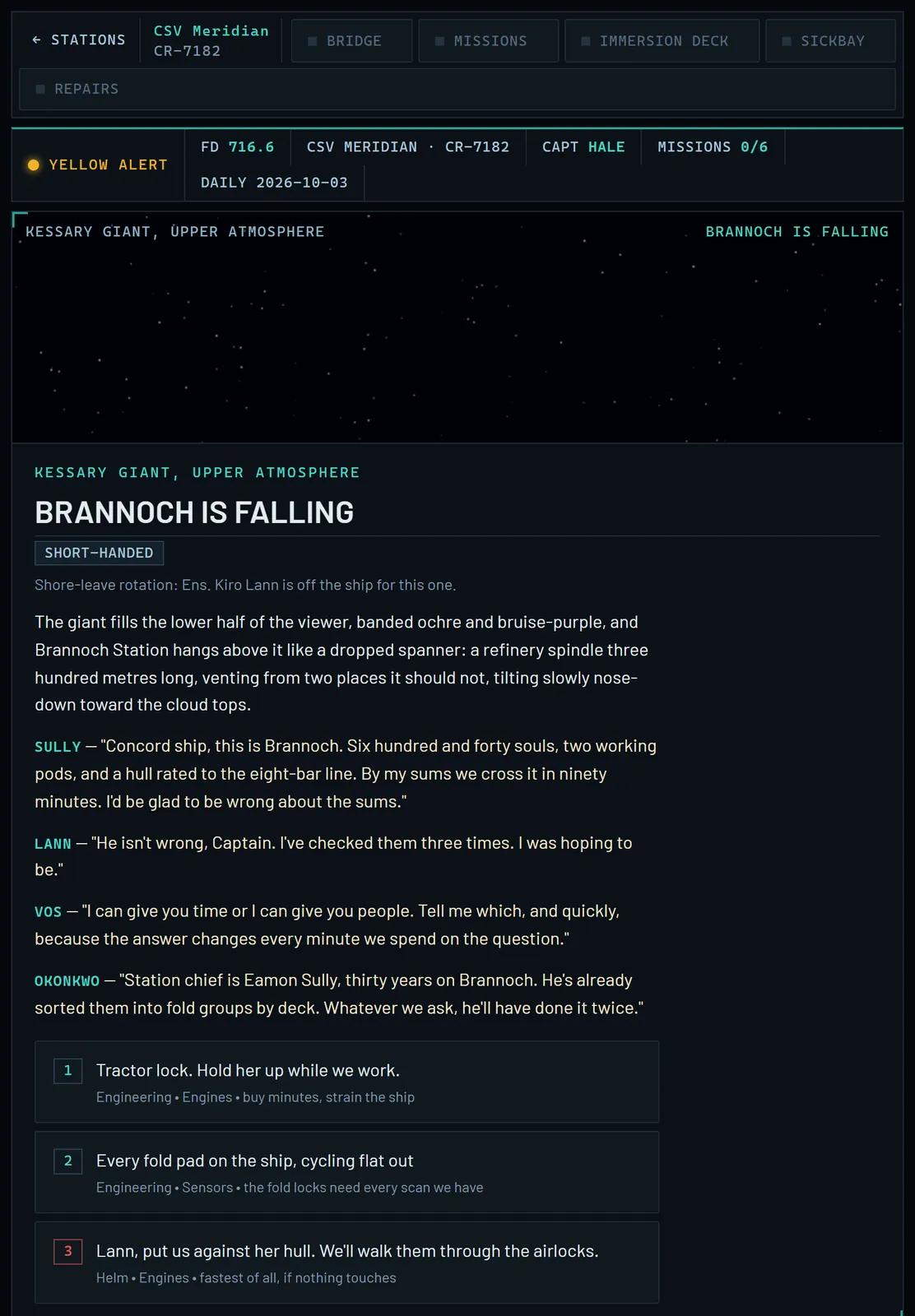
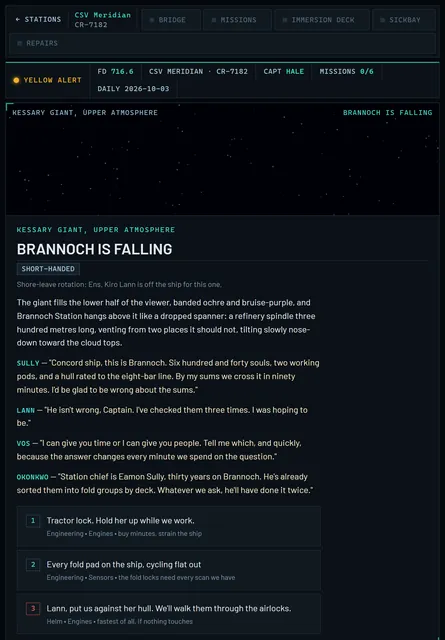 Six hundred and forty souls and ninety minutes: how do you save Brannoch?
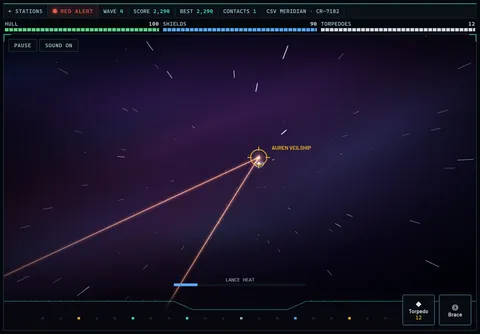 Tactical on a tablet: tap to aim, hold to fire, watch the heat
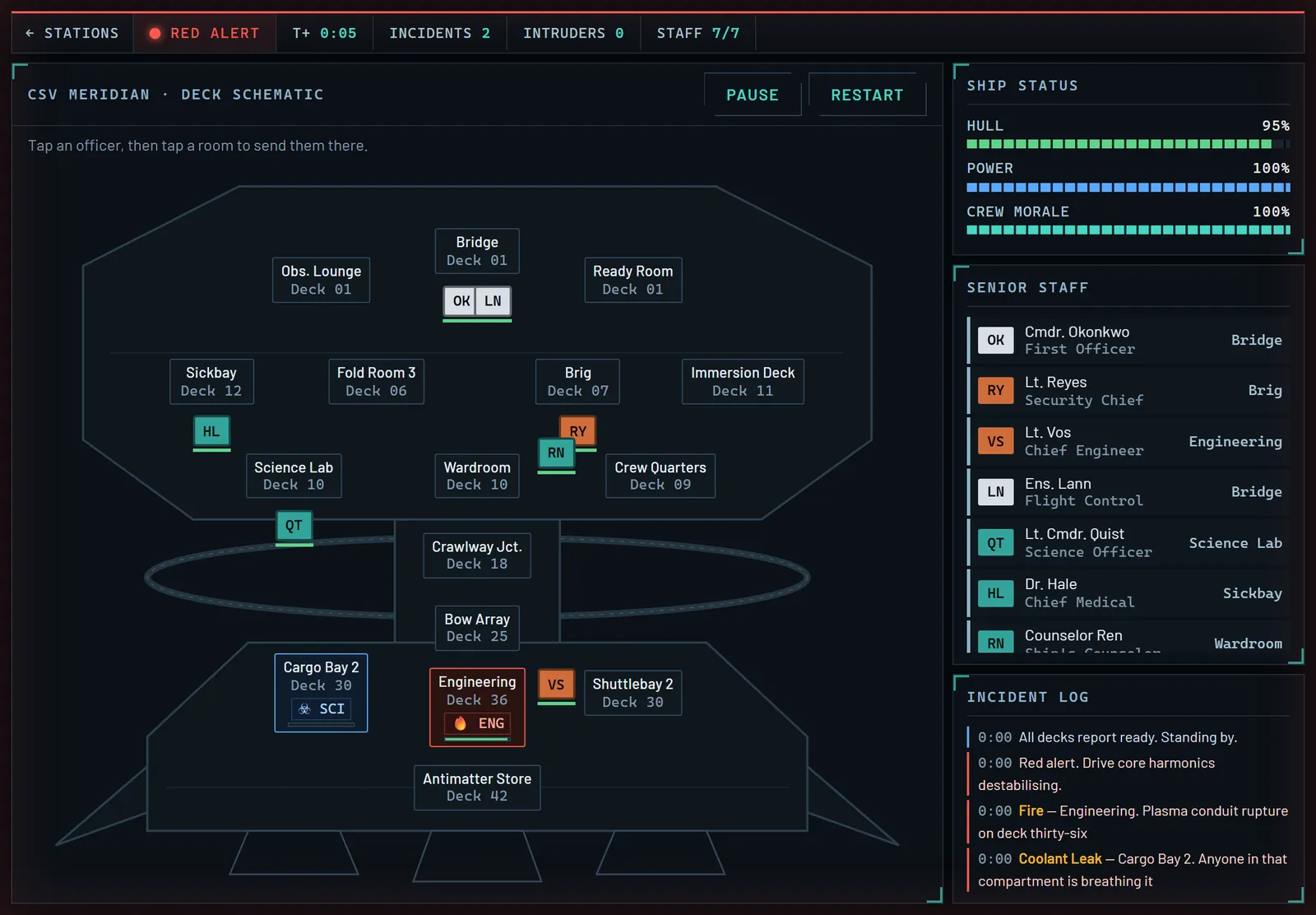
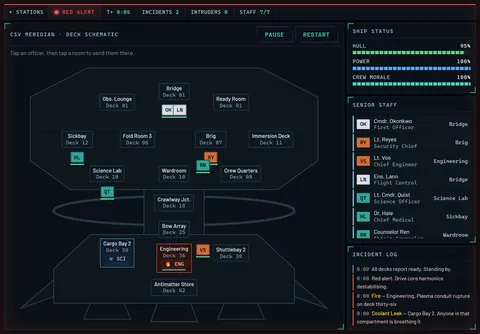 Damage Control: a fire in Engineering, a coolant leak in Cargo Bay 2, and seven officers to send
Desktop
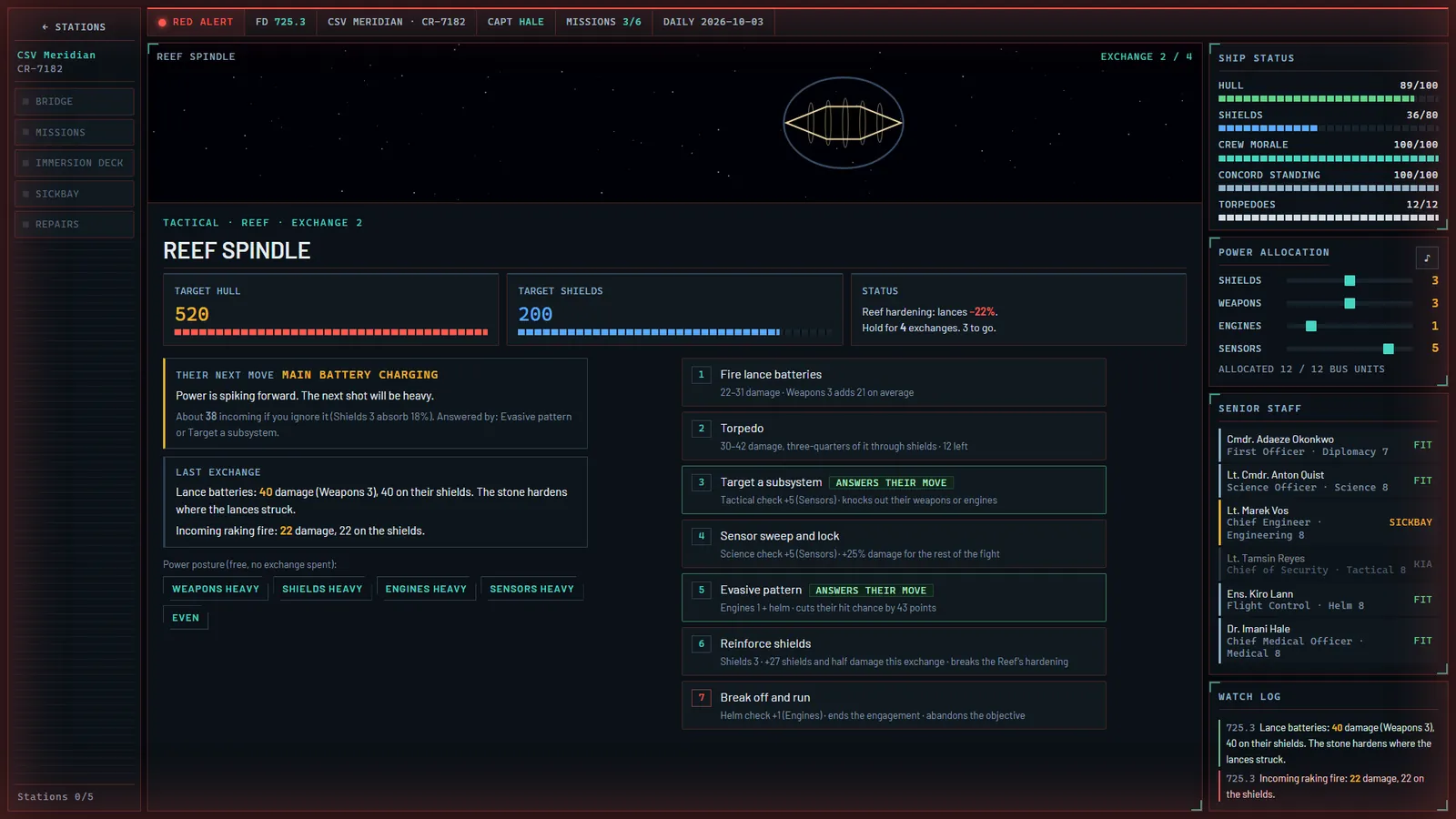
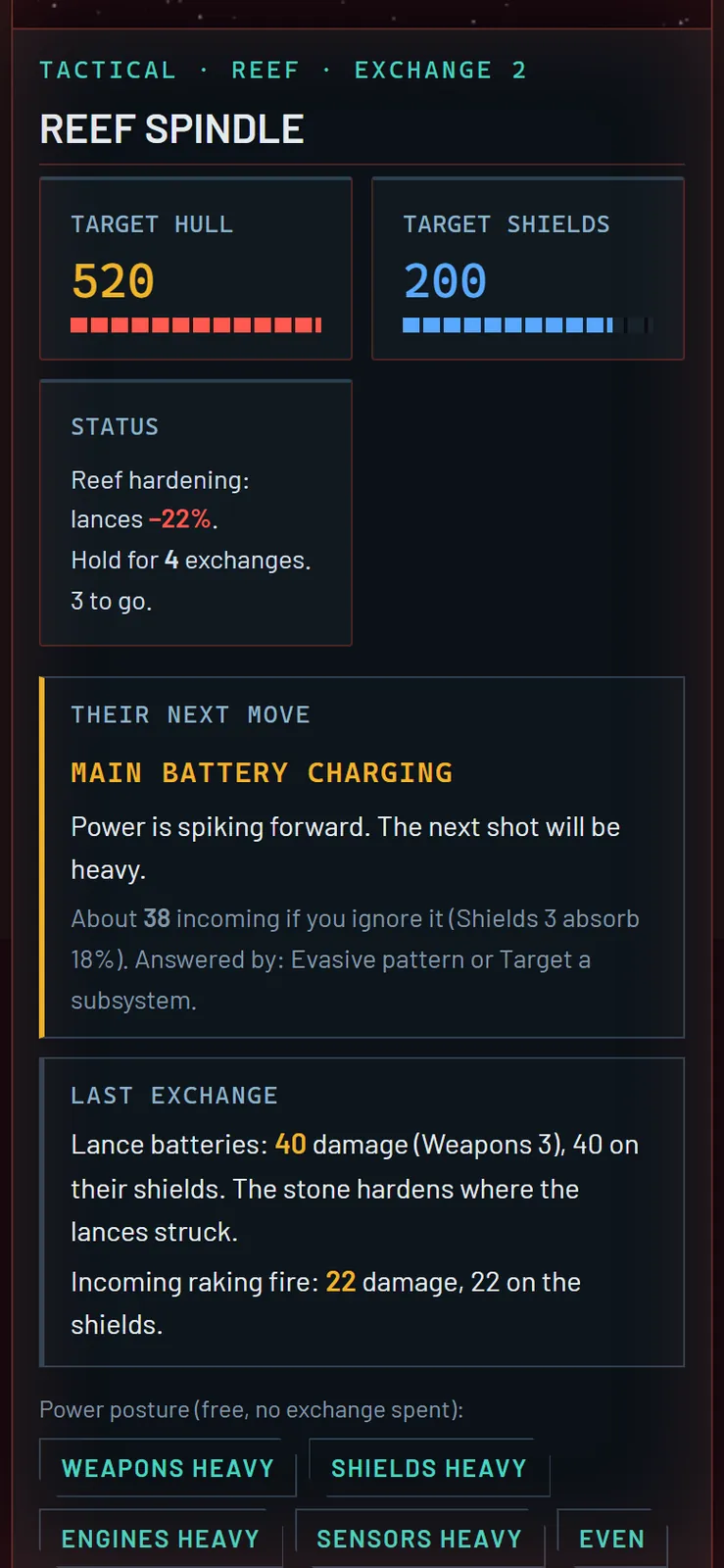
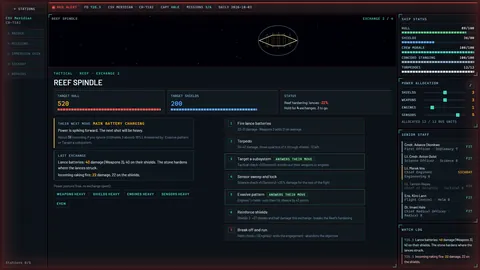 Read the enemy's next move, then answer it: the Reef Spindle charges its main battery
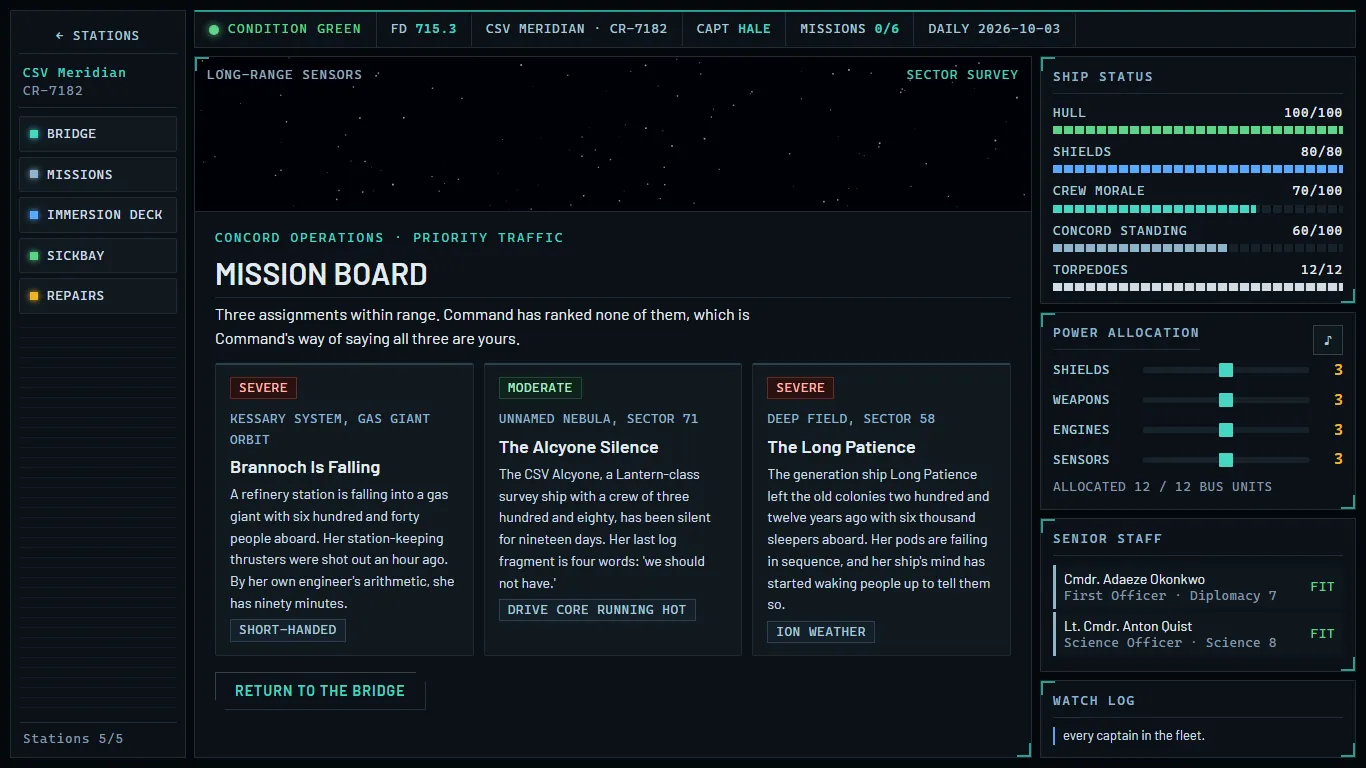
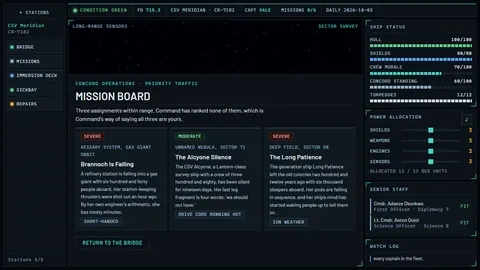 Every call is yours: three assignments, and Command has ranked none of them
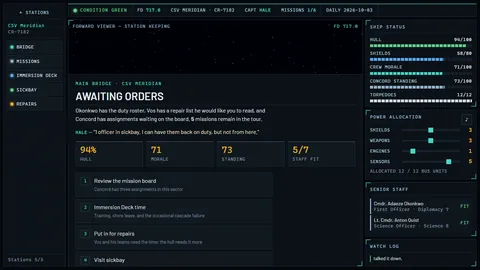 The bridge of the CSV Meridian: hull, morale, standing and crew, between assignments
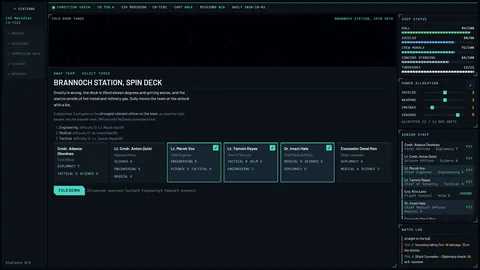 Send the right people, not the popular ones: pick a three-officer away team
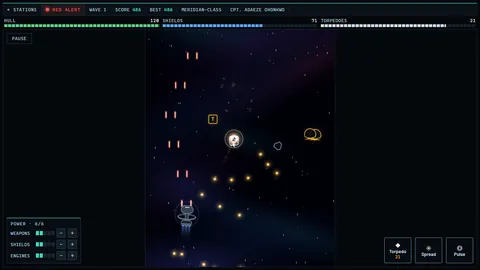 Patrol: fly the Meridian yourself through waves of raiders and rock
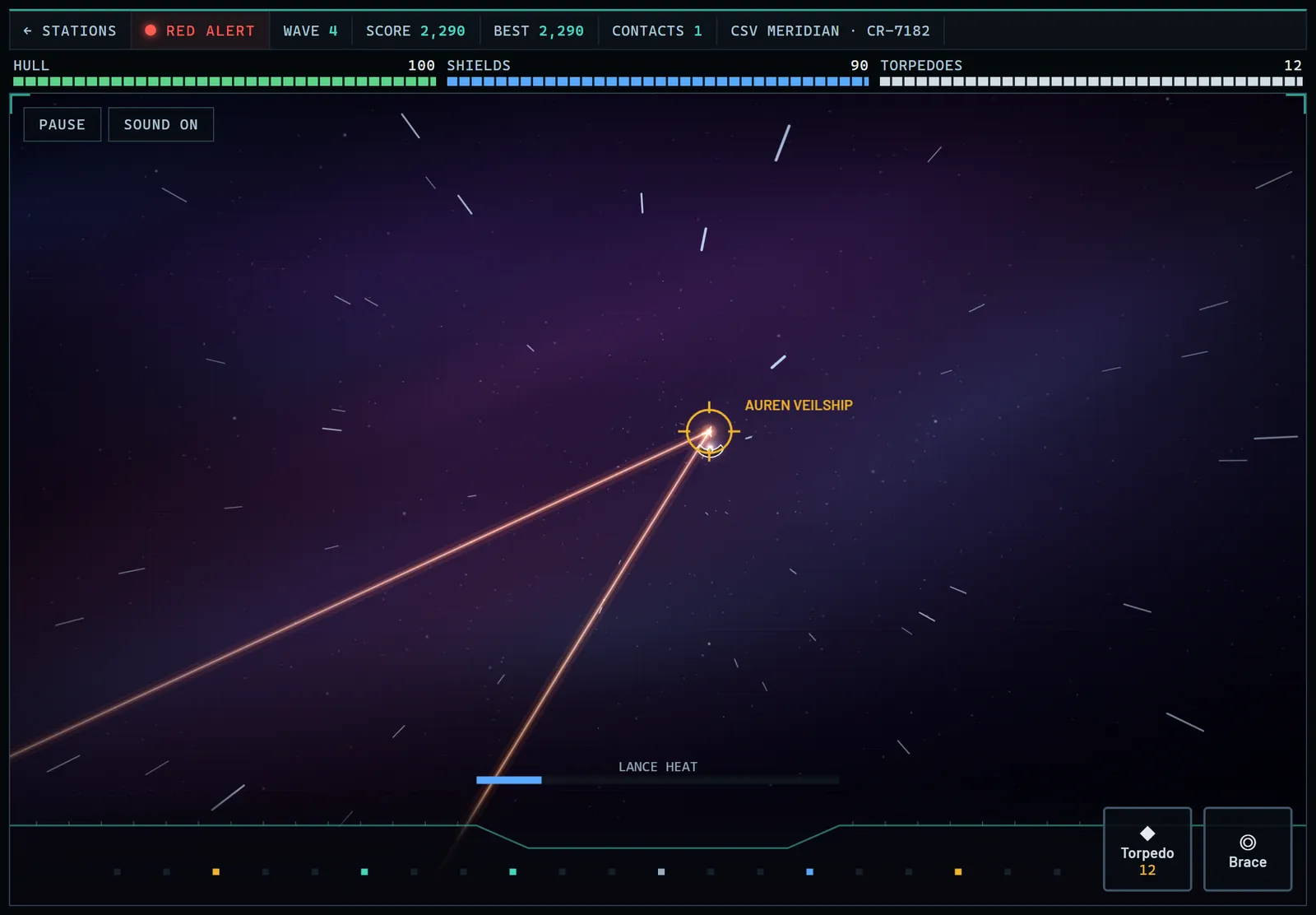
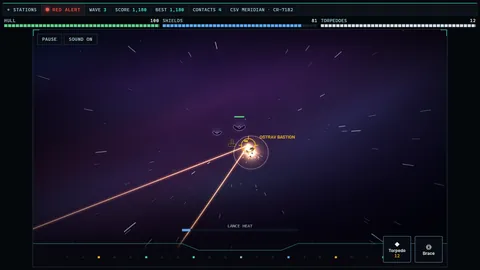 Tactical: look out through the main viewer and put the lances on target
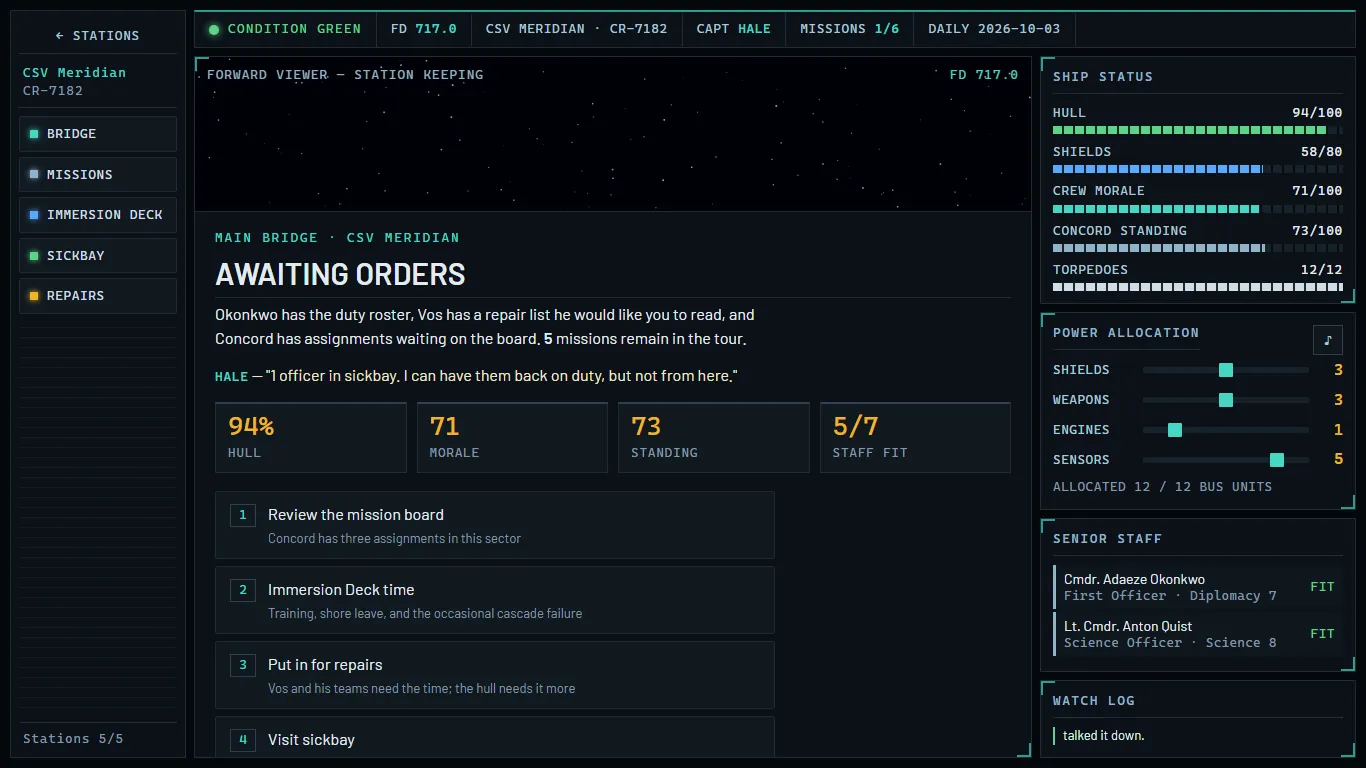
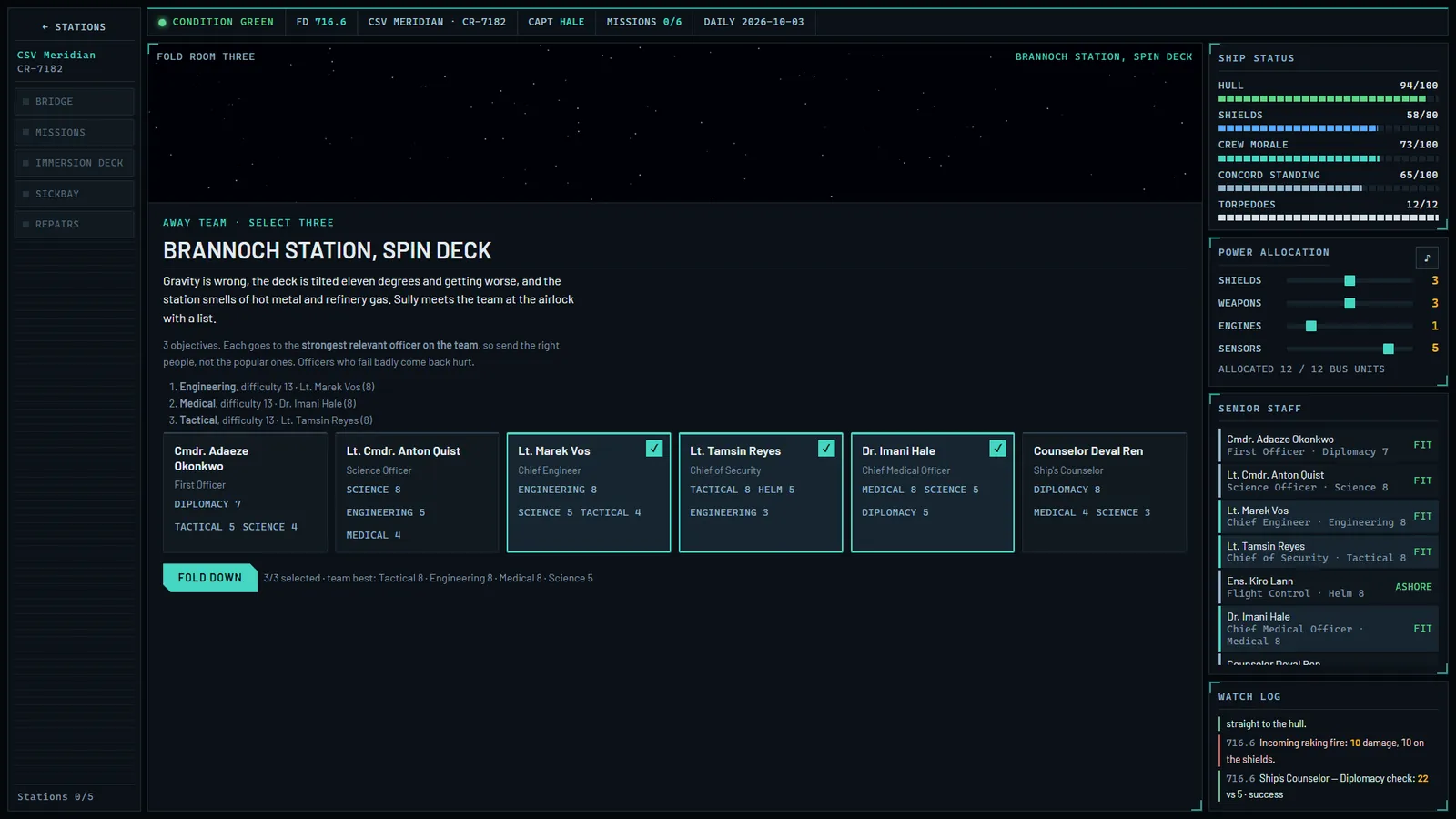
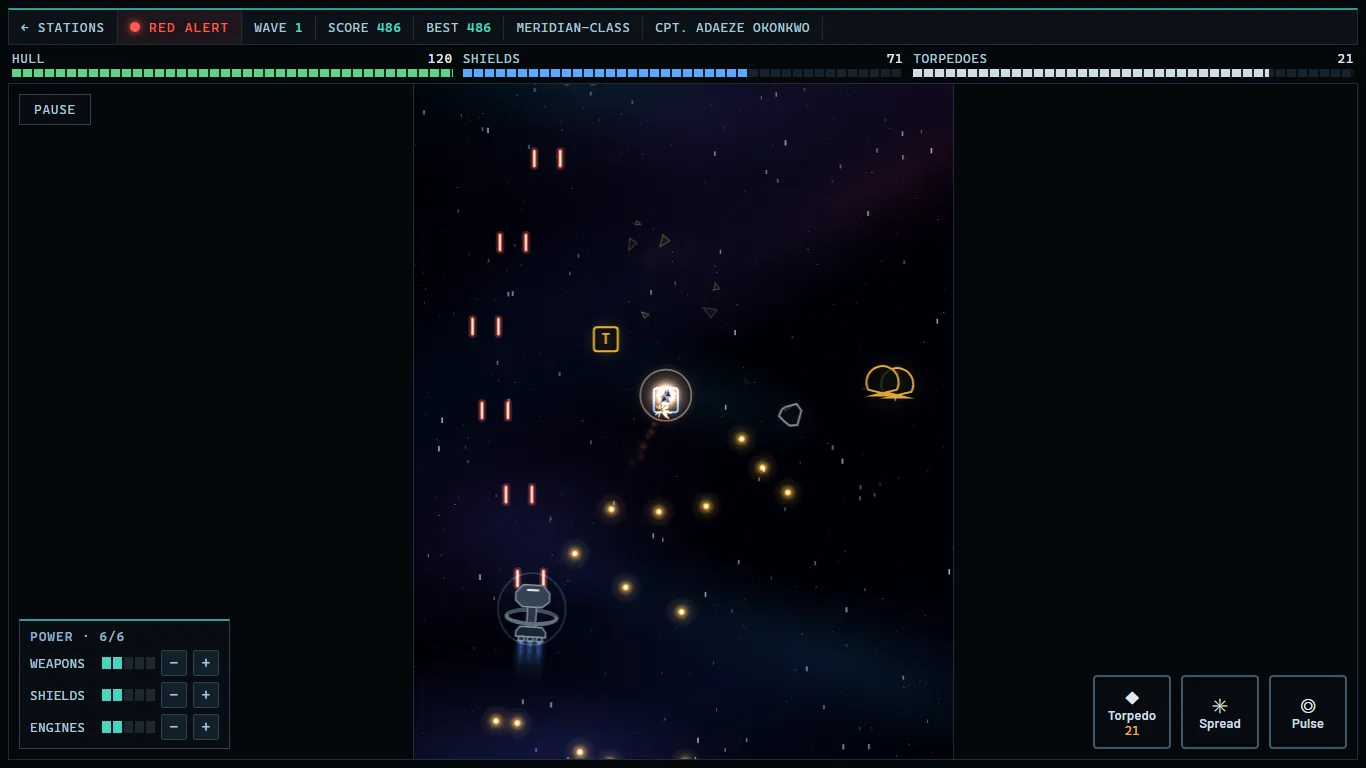
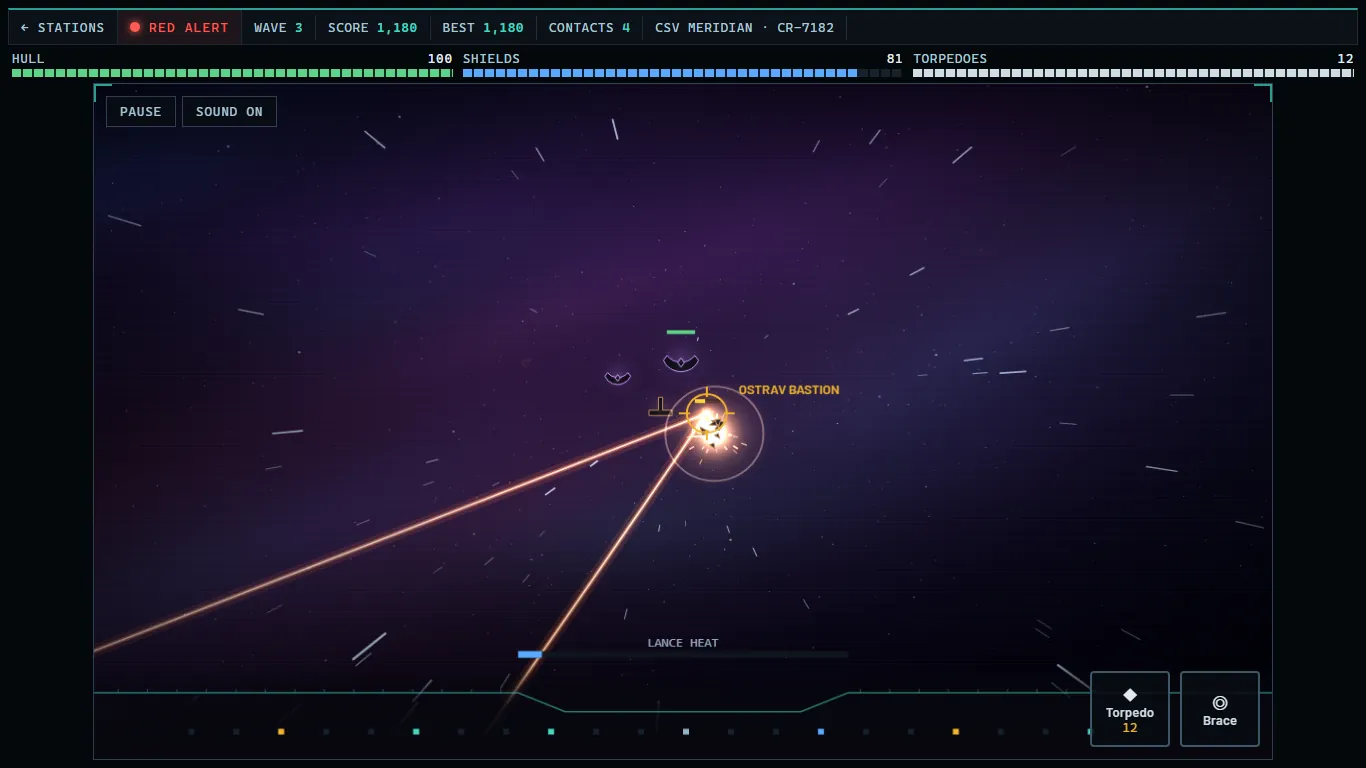
Phone, tablet and computer
Any modern browser: Chrome, Edge, Firefox or Safari, on a phone, tablet or computer.
Touch, mouse or keyboard: the layout fits a phone held upright, a tablet either way round, or a big monitor.
Works offline after the first visit, and installs to your home screen like an app.
An Android app of Standing Orders is in the works; the browser version is the same game, free.
No account needed. Progress saves on your device; sign in only if you want it on all your devices.
Leaderboards
Everyone plays the same daily challenge. Post your score under a name you choose, if you like: boards are opt-in.